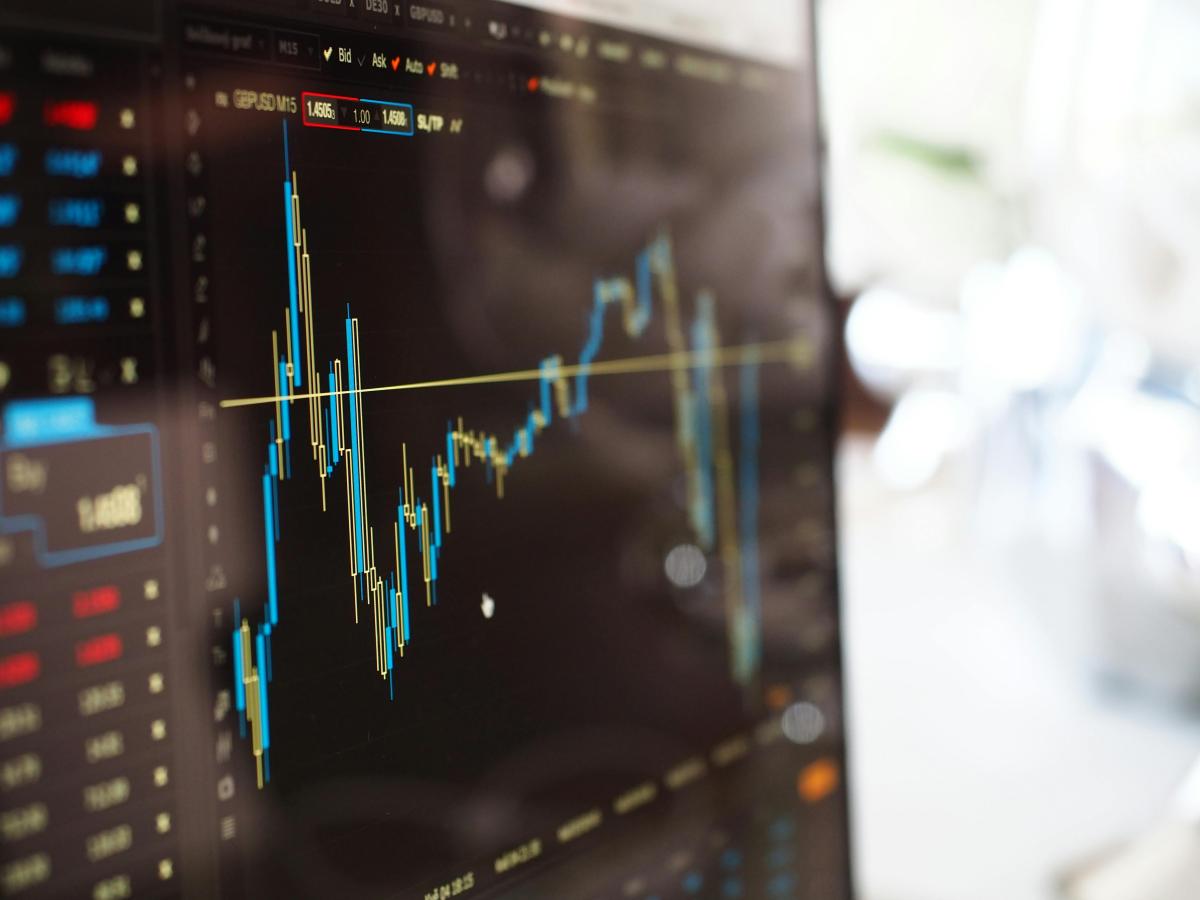

Time zones: the same minute, different time
Many online figures are linked to a standard time, such as UTC. Meanwhile, you are looking at your phone or laptop in your local time. If a page shows an update time in UTC, it seems as if the data is "older" than you expect. During certain periods, daylight saving time also plays a role. Then the clock shifts by an hour, while not every source displays that transition in the same way. Also important: not every price corresponds to exactly the same moment. One source shows a recent trading price, while another displays an average or a most recently processed update. As a result, two screens can be open at the same time and still show a different number.
What 'real-time' often really means
'Real-time' sounds like you get new figures every second, but that's usually not how it works. Many websites refresh their data in blocks. Sometimes every minute, sometimes every five or ten minutes. This makes sense, as behind the scenes, prices are often retrieved from a data provider and then processed on the site. Therefore, it is wise to always take a look at "last update". If there is no timestamp, you don't know if you are looking at the most recent data. Especially with price information, that can explain the difference between two sources that are both reliable.
Why your browser sometimes lags behind
Even if a website does update, you may still see an older version. Your browser temporarily stores files to load pages faster. A network or content network can also cache a version. As a result, it seems as if the figures are not moving, while the source has already been updated. If you are in doubt, it helps to refresh the page or open it in a private window. This way, you retrieve the information more often without old remnants.
Comparing without noise
If you want to quickly check if you are looking at the same timing, first choose one fixed reference point. On Holland Gold, you can find the silver price from Holland Gold, including the context of what you are exactly seeing and when it was updated. This makes comparing calmer, as you know where you start. Only then can you look more broadly. If you also take the gold price into account, pay attention to the same things: which time zone does the source use, how often is it refreshed, and is there a clear update moment. This way, you prevent comparing apples to oranges, while it is actually about timing and presentation.